

This guide to how to use AI for local SEO gives you a weekly routine, not a theory lecture: audit your Google Business Profile, fix your name, address and phone number everywhere, find the local keywords people actually type, write one Google Business Profile post a week with AI, answer every review with an AI draft you check first, publish one local page a week, and track your Map Pack rank block by block. The whole stack costs $61 a month — ChatGPT Plus at $20 a month and BrightLocal Track at $41 a month — and your Google Business Profile itself is free. AI does the drafting and the busywork. You do the facts, the photos and the final send. That split is the whole method, and it is also what keeps you safe.
Quick Answer Box
This guide to how to use AI for local SEO gives you a weekly routine, not a theory lecture: audit your Google Business Profile, fix your name, address and phone number everywhere, find the local keywords people actually type, write one Google Business Profile post a week with AI, answer every review with an AI draft you check first, publish one local page a week, and track your Map Pack rank block by block.
The whole stack costs $61 a month — ChatGPT Plus at $20 a month and BrightLocal Track at $41 a month — and your Google Business Profile itself is free. AI does the drafting and the busywork. You do the facts, the photos and the final send. That split is the whole method, and it is also what keeps you safe.
In this article
Quick Answer Box / Why Local Search Changed in 2026 / Before You Start: The Local SEO Reality Check / The Tools at a Glance / Step 1 — Audit Your Google Business Profile with AI / Step 2 — Fix Your Name, Address and Phone Everywhere / Step 3 — Find the Local Keywords People Actually Type / Step 4 — Write Google Business Profile Posts with AI / Step 5 — Answer Every Review with AI Drafts / Step 6 — Publish One Local Page a Week / Step 7 — Track the Map Pack Block by Block
What AI Gets Wrong About Local SEO / Cost Maths / The Hidden Costs and Gotchas / Work Out What the Hour Is Worth / Strategic Pivot: Price the Stack Before You Buy It / Pros and Cons / Our Verdict: How to Use AI for Local SEO / Frequently Asked Questions / Price Note
Why Local Search Changed in 2026
A customer looking for a plumber, a dentist or a coffee shop used to see the same thing every time: three businesses on a map, then ten blue links. That page still exists, but it is no longer the whole page. In 2026 a second answer sits on top of it.
A Whitespark study reported by Search Engine Journal in July 2026 found AI Overviews now appear on 68% of local searches, while the classic local pack appears on only 39% of the same queries. That is a 29-point gap. Your customers are getting answers without ever seeing the map results you worked to rank in. The gap is wider for questions that sound like a real person talking: informational local queries such as “how long does an eye exam take near me” trigger AI Overviews 92% of the time, and cost questions hit 97%.
The same shift shows up on the customer side. BrightLocal’s 2026 survey found 45% of consumers used an AI tool for a local business recommendation in 2026, up from 6% the year before. Almost half your next customers may ask a chatbot before they ever open Google Maps.
Here is the good news: the AI answer and the map pack are fed by the same raw material. A Synup study of 12,250 local results pages in September 2026 found the Local Pack appears on 91 to 97% of local results pages no matter how the search is phrased, and the business itself — its own website, its Google Business Profile — is the most cited source in AI Overviews.
The work you already know how to do — a complete profile, honest reviews, pages about your real services in your real town — now feeds Google rankings, AI Overviews and chatbot answers at the same time. This guide shows you how to do those chores with AI: the audit, the drafts, the keyword brainstorming, the tracking. About three hours a week, for $61 a month, once you know the routine.
Before You Start: The Local SEO Reality Check
Before you open a single AI tool, you need to know what Google actually ranks. Google’s own guidance says local results rest on three things: relevance, distance and prominence. Relevance is how well your profile matches the search. Distance is how far you are from the searcher. Prominence is how well known your business is — reviews, links, articles, mentions.
AI can help with relevance and prominence. It cannot move your shop. Distance is distance, and no prompt fixes that. Anyone selling you an AI trick that promises to beat distance is selling you a story.
That gives you the honest frame for this guide. The seven steps below make your relevance unmistakable, build your prominence week by week, and measure both so you know what is working.
Before Step 1, check three things in your Google Business Profile: that you own the profile and can sign in, that your business name, address and phone number match your shop sign and website exactly, and that your primary category is the service you sell most. If any of those is wrong, fix it by hand now. AI cannot fix a wrong address, and a wrong address poisons every step that follows.
The Tools at a Glance
You need four things for this routine, and only two of them cost money. The table below is the whole stack. Every price was checked on the vendor’s official pricing page on 20 November 2026.
| Tool | What it does in this routine | Price |
|---|---|---|
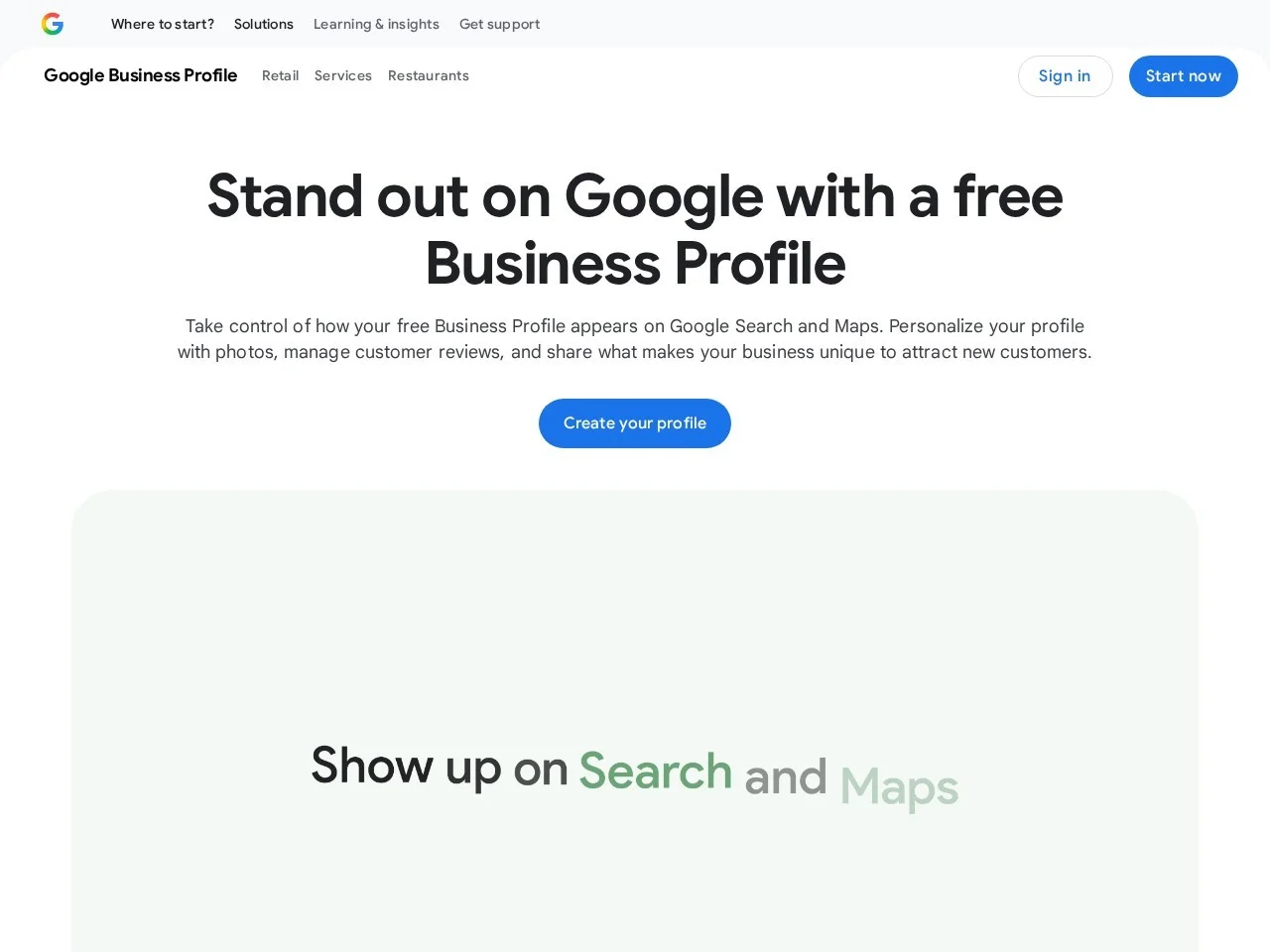
| Google Business Profile | Your free listing: hours, services, photos, posts, reviews | $0 |
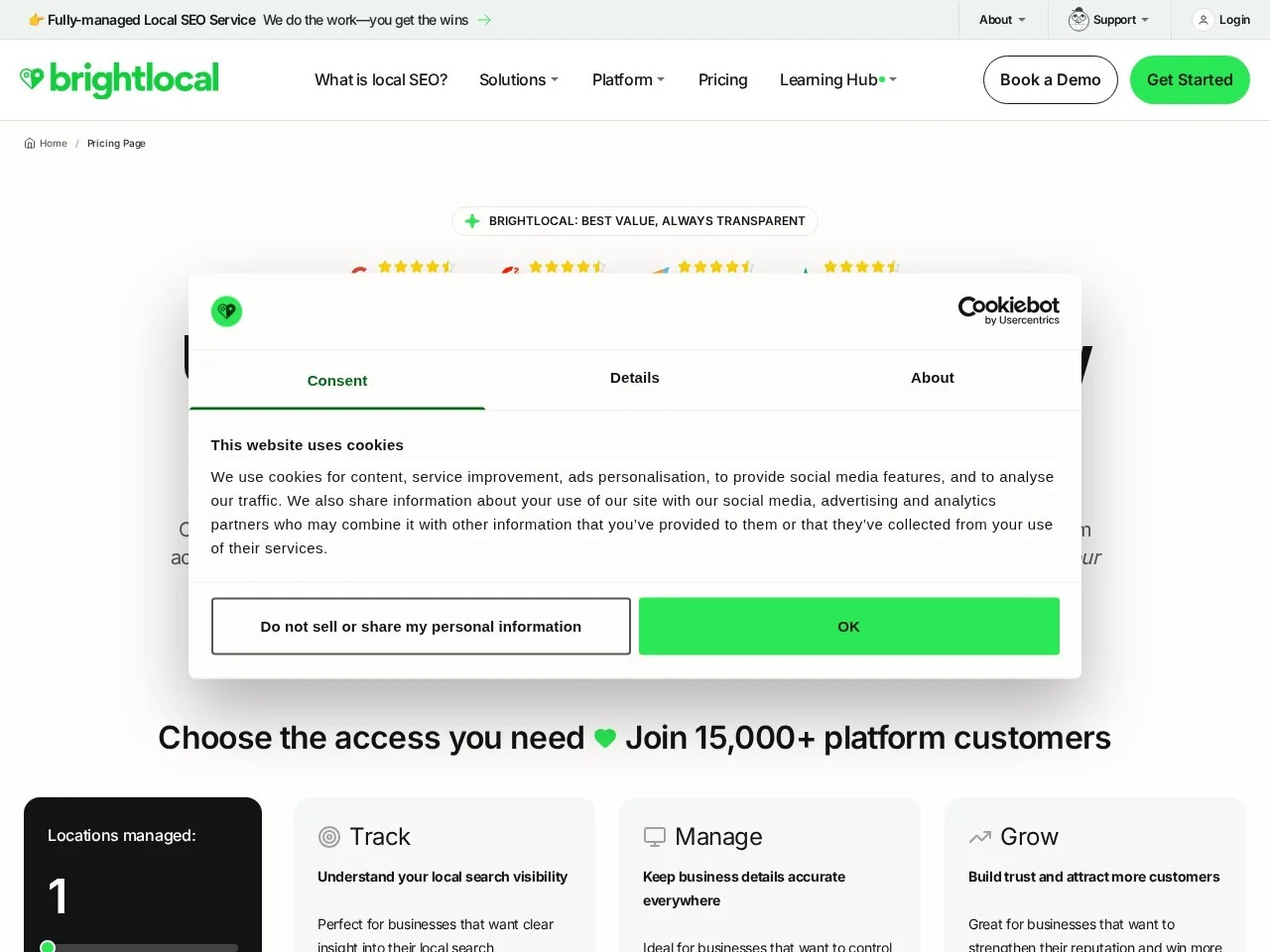
| BrightLocal Track | Rank tracking, geo-grid maps, citation checks, GBP audits | $41/mo monthly, or $31/mo billed annually ($369/yr) |
| ChatGPT Plus | Drafts GBP posts and review replies, brainstorms keywords | $20/mo, monthly only |
| Claude Pro | The second opinion: checks drafts, writes local pages | $20/mo monthly, or $17/mo billed annually ($200/yr) |
You do not need all four on day one. The free starting point is Google Business Profile plus ChatGPT Free at $0, which covers Steps 1, 3, 4 and 5 well enough to learn the routine. BrightLocal is the first thing worth paying for, because it is the only tool here that tells you whether any of this is working. Claude Pro is the optional second AI: it costs the same as ChatGPT Plus, and its real value is as a checker. One AI drafts, the other reads the draft for mistakes.
Step 1 — Audit Your Google Business Profile with AI
A local SEO audit sounds expensive because agencies charge for it. For a single-location business it is a checklist, and AI is good at checklists. Open your Google Business Profile and copy out the facts: business name, categories, description, services, hours, phone, website, and the last ten photos. Paste them into ChatGPT or Claude with this prompt:
“Audit this Google Business Profile for a [type of business] in [town]. Tell me what is missing, what is inconsistent, and what a customer would find confusing. Rank the fixes by impact, and flag anything that could hurt local rankings.”
What comes back is usually a list of small things: a missing secondary category, a description that never says the town, services under the wrong heading, no holiday hours, photos older than a year. Fix them one at a time, by hand, in the profile itself. Do not let AI write your description unsupervised. A description is a promise to a customer, and it should sound like you.
Then run the same audit inside BrightLocal. Its Google Business Profile Audit scores your listing against the fields Google actually uses, and its Local Search Audit compares you with the three businesses above you in the Map Pack. The gap between you and them is your real to-do list.
Do this audit once a month, on the same day. It takes twenty minutes, and it stops small rot — a wrong holiday hour, a photo of a shop that moved — from quietly costing you a rank.
Step 2 — Fix Your Name, Address and Phone Everywhere
NAP is local SEO shorthand for name, address and phone number, and it is the least glamorous and most important part of this guide. Google trusts a business whose details match everywhere.
Here is the routine. First, write down your canonical details on one line: the exact business name as it appears on your sign, the exact street address, the exact phone number. This is your source of truth.
Second, search Google for your business name plus your town, and open the first ten directory listings: Yelp, Facebook, Apple Maps, Bing Places, TripAdvisor if it applies, your local chamber directory, and any industry directory your customers actually use. Note every mismatch, however small: “St” versus “Street”, a suite number in one place and not another, an old mobile number.
Third, fix the mismatches. Start with the big ones — Google Business Profile, Apple Maps, Bing Places, Facebook — because those are the listings AI answers actually cite. BrightLocal’s Citation Tracker finds mismatches for you and watches them afterwards. One rule is absolute: never let AI “tidy up” your address. An AI that shortens “123 Main Street, Suite 4” to “123 Main St” has just created a mismatch. Copy your canonical line exactly, everywhere, every time.
Step 3 — Find the Local Keywords People Actually Type
Most small businesses guess their keywords, and they guess wrong. They optimise for “best plumber” when their customers type “emergency plumber near me open now” or “water heater replacement cost Austin”.
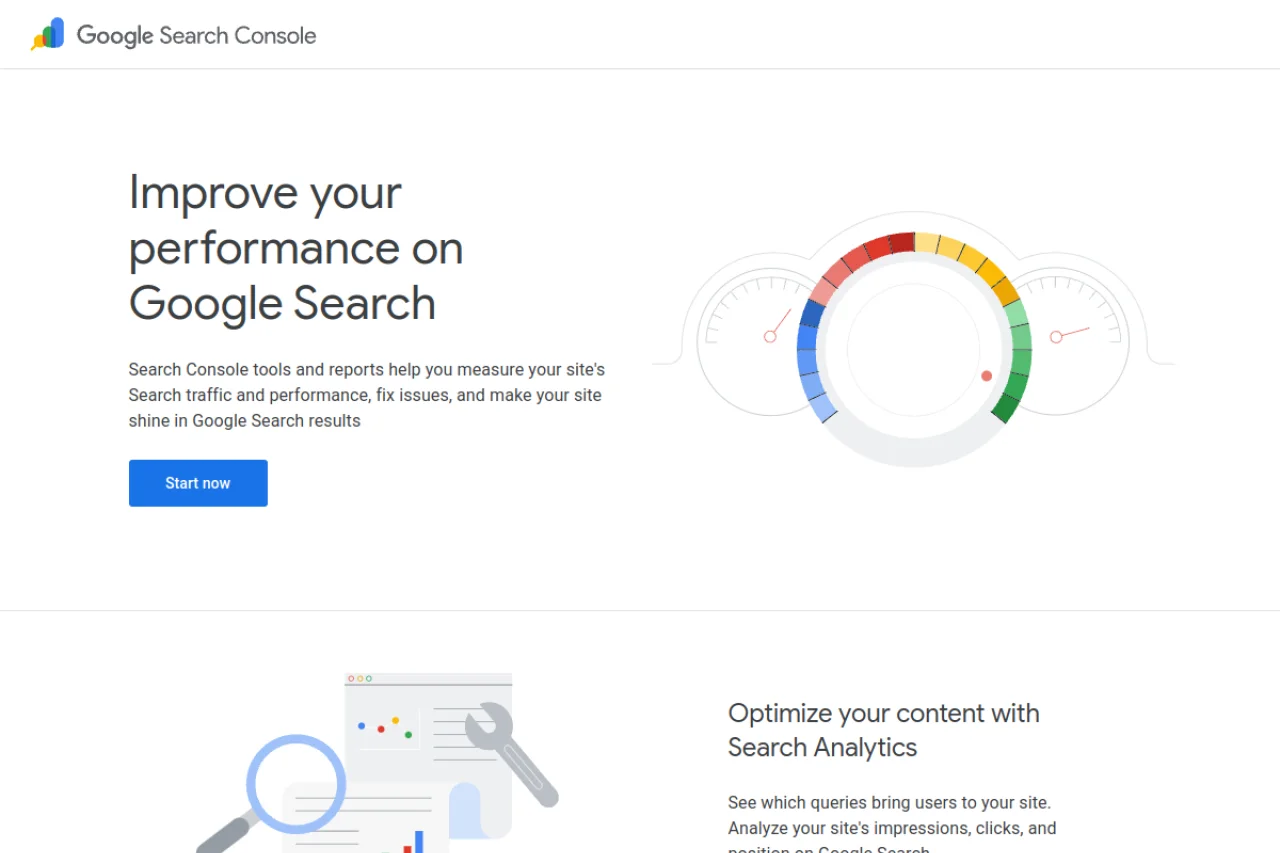
Start with your own data, which is free. Open Google Search Console, go to Performance, and filter by queries containing your town or your service. Export the last three months. You will see the exact phrases people typed before they found you — including the ones where you ranked on page two and got no click. Those near-misses are your keyword list.
Then give that list to AI with this prompt:
“These are the search queries that brought people to my [business type] website in [town] over the last three months. Group them by intent — ready to buy, comparing options, asking a question — and suggest ten more phrases a customer in my town would type, including cost questions and ‘near me’ versions. Tell me which five I should target first and why.”
What you want back is not a hundred keywords. It is five. Five phrases, each attached to one real page you will publish. One keyword per page is the rule that keeps local SEO honest.
If you do not have Search Console data yet, start with the questions your customers ask on the phone. “How much does it cost?” and “Do you come to my area?” are keywords too. AI Overviews appear on cost questions 97% of the time, and most local businesses refuse to answer them. Answering the cost question on your own page is the single cheapest way to get cited by an AI answer.
Step 4 — Write Google Business Profile Posts with AI
Google Business Profile posts are the most underused free tool in local SEO. A post is a small update — an offer, a new service, a photo of today’s work — that shows up on your profile and sometimes in search itself. Google rewards profiles that post regularly. Most of your competitors post nothing. That is your opening.
The routine is one post a week, and AI writes the first draft in a minute. Give it the facts. This prompt works:
“Write a Google Business Profile post, under 300 characters, for a [business type] in [town]. The news is [one fact: new service, offer, event, photo]. Tone: friendly and local, no hype words, no exclamation marks. End with what the customer should do next.”
Then check the draft like an editor, not a fan. Does it name the town? Does it name the service? Is the offer real, with a real end date? Is there a photo to go with it — a real photo of your work, your shop, your team, taken this week? A post with a real photo outperforms a post with a stock photo every time, because customers can tell the difference in a second.
Schedule the post inside BrightLocal’s Manage plan if you pay for it, or post it by hand on the same day every week. Monday morning works for most service businesses: the post is live before the week’s searches start.
One warning: never let AI write a post about an offer that does not exist. “20% off this week” is a promise. If a customer walks in and the discount is not real, you have lost more than a ranking. You have lost a customer who will leave a one-star review, and reviews are the subject of the next step.
Step 5 — Answer Every Review with AI Drafts
Reviews are where local SEO turns into money. BrightLocal’s 2026 survey found 97% of consumers read reviews, 74% say reviews older than three months do not matter, 47% will not use a business with fewer than 20 reviews, and 31% will only use businesses rated 4.5 stars or higher. You need reviews, you need them recent, you need at least twenty, and your average needs to stay above 4.5.
AI helps in two places: asking for reviews, and answering them. For asking, keep it human and short. A text or email after the job is done, with a direct link to your Google review page, beats any automated campaign. Send it the same day, while the job is fresh in the customer’s mind.
For answering, use AI as a first-draft machine and yourself as the editor. Paste the review into ChatGPT with this prompt:
“Draft a reply to this Google review for a [business type] in [town]. The review says: [paste it]. Keep it under 60 words, thank them by name if they gave one, mention the specific service they praised, and invite them back. If the review is negative, acknowledge the problem, apologise once, and offer to fix it offline with a phone number — do not argue, do not make excuses.”
Then read the draft before you send it. Check three things: is the name right, is the service right, and does it sound like you? A reply that says “Thank you for your kind words!” to a customer who complained about a late delivery is worse than no reply at all. Customers read replies, and so does Google: a business that answers reviews looks active, and an active business looks trustworthy.
Answer every review, good and bad, within a few days. The negative ones matter most. A thoughtful reply to a bad review convinces the next ten people who read it that you are honest. A business with twenty reviews and thoughtful replies beats a business with fifty reviews and silence.
Step 6 — Publish One Local Page a Week
Your Google Business Profile can only say so much. Your website is where the detail lives, and AI Overviews cite business websites more than any other source except the profile itself. The routine is one local page a week.
A local page is not a blog post about SEO. It is a service page with a place in it. “Water heater replacement in Austin” is a local page. “Drain cleaning in Round Rock” is a local page. Each one needs four things: the service, the town, a real price range or a clear statement that prices depend on the job, and a real detail that proves you work there — a street, a landmark, a photo of a job you did there.
Write the first draft with AI, then fix it with your own knowledge:
“Write a 600-word service page for a [business type] serving [town]. The service is [service]. Include: what the service covers, how long it usually takes, what affects the price, and three questions customers in [town] ask about it. Do not invent prices, street names or customer stories. Leave placeholders where a real price or a real example belongs.”
Then fill in the placeholders yourself, with real numbers and real examples. A page that says “most water heater replacements in Austin cost between $1,200 and $2,400 depending on the unit” is useful. A page that says “we offer competitive prices” is not, and AI will not cite it either.
Do not copy one page and change the town name. One town, one page, one week, with one real detail. After three months you have twelve pages, and twelve pages is a local presence.

Step 7 — Track the Map Pack Block by Block
Everything before this step is work. This step is proof. If you cannot see whether you are moving, you cannot know what to keep doing.
BrightLocal’s Local Search Grid is the tool for this. It checks your rank for a keyword from dozens of points across your town — a grid, not a single dot — because local rank changes by the block. You can rank first from your own street and seventh from the other side of town. The grid shows you where you are winning and where you are invisible.
Check the grid once a week, for the same five keywords from Step 3, and write down three numbers: your average rank, your best block, your worst block. That is your scoreboard, and it is how to use AI for local SEO without guessing whether any of it works. When a number moves, ask why. Did you publish a page for that keyword last week? Did you get three new reviews? Did a competitor close? The answer is usually visible in the work you did.
The other number to watch is your Google Business Profile insights: how many people called, asked for directions, or visited your website from the profile. A rank is a vanity metric. A phone call is a customer.

What AI Gets Wrong About Local SEO
AI is a fast writer and a careless researcher, and local SEO punishes careless research harder than most subjects. Here are the four mistakes to watch for.
First, invented citations. Ask an AI to list directories for your business and it will invent some, complete with plausible URLs that do not exist. Check every directory yourself before you submit anything.
Second, fake reviews. Never let AI write a review, and never post a review AI wrote. Google removes fake reviews, and a business caught faking them can lose its profile. Your twenty real reviews beat a competitor’s two hundred suspicious ones.
Third, hallucinated facts about your business. AI will invent opening hours, services you do not offer, and a second location you never had. Every one of those becomes a wrong answer on your website or profile if you publish it unchecked. The rule applies everywhere: AI drafts, a human checks every fact.
Fourth, the “AI local pack” trap. Some tools now sell “AI visibility” scores and promise to get you into chatbot answers. The score is a guess, and the promise is unproven. What the research actually shows is simpler: AI answers cite complete profiles, real reviews and real pages. There is no shortcut product. Buy the tracker, not the promise.
Cost Maths
The stack in this guide costs less than most agencies charge for one hour. Here is the honest monthly maths.
| Setup | Monthly cost | What you get |
|---|---|---|
| Free start | $0 | Google Business Profile + ChatGPT Free: audit prompts, post drafts, review replies |
| The routine | $61 | ChatGPT Plus $20 + BrightLocal Track $41: unlimited drafts, rank tracking, geo-grids, citation checks |
| The routine, annual | $51 | ChatGPT Plus $20 monthly + BrightLocal Track $31 billed annually: same tools, $10 a month saved |
| Two-AI routine | $81 | Add Claude Pro at $20 monthly ($17 annual): a second AI to check every draft |
| Two-AI, annual | $68 | ChatGPT Plus $20 + Claude Pro $17 annual + BrightLocal Track $31 annual |
The free start is genuinely enough to learn the routine. Pay for BrightLocal first, because it is the only tool that measures results. Pay for ChatGPT Plus second, when re-pasting your business facts every session starts to annoy you — Projects and memory are what you are buying. Add Claude Pro only when you want a second pair of eyes on every draft.
An agency doing the same work — GBP management, review replies, one local page a week, rank tracking — typically charges $500 to $1,500 a month for a single location. BrightLocal’s own Managed SEO service starts at $499 a month. The $61 routine does the same chores, slower, by hand, with AI doing the typing.
The Hidden Costs and Gotchas
Four things the price table does not show, and each one has bitten a small business before.
First, BrightLocal’s plans are priced per location. Track for one location is $41 a month, but two to five locations is $62, and six to ten is $83. Check the location band before you budget, and remember annual billing saves 25%.
Second, citations cost extra. BrightLocal’s Citation Builder starts at $2 per citation, pay as you go, on top of every plan. The Track plan monitors your citations; it does not build them.
Third, ChatGPT Plus and Claude Pro are both $20 a month on monthly billing — but Claude Pro drops to $17 a month on annual billing, billed $200 up front, while ChatGPT Plus has no annual discount. Do not budget $17 for ChatGPT because you saw $17 for Claude.
Fourth, your time is the real cost. Three hours a week is 12 hours a month. At $25 an hour, that is $300 of your time on top of the $61 in tools. The routine still beats an agency on price, but only if you actually do it. A routine you skip is the most expensive option of all.
Work Out What the Hour Is Worth
Three hours a week is twelve hours a month, 144 hours a year. Before you commit, work out what an hour of your time is worth. Take what your business earns in a month and divide it by the hours you work. If that number is $40, the routine costs you $480 a month in time plus $61 in tools. One new customer a month from local search usually covers that. Two, and the routine is the cheapest marketing you do.
But the maths cuts the other way too. If your time is worth $100 an hour, the routine costs $1,200 a month in time, and an agency at $500 starts to look cheap. Be honest about which side of that line you are on.
Our AI Time-Saving Calculator does this sum for you: put in the hours and your hourly rate, and it shows what the time is worth.
Strategic Pivot: Price the Stack Before You Buy It
This guide’s routine costs $61 a month, and the free start costs $0. Both numbers are small, but small numbers add up across a year, and across every tool you already pay for. Before you add another subscription, count the stack you already have.
Our free AI Cost Calculator adds up the real starting price of every AI tool you use or want — ChatGPT, Claude, BrightLocal, and the rest — and shows the monthly total with annual billing, so you see the cheaper number before you commit. Tick the tools in this guide’s table, add the ones you already pay for, and look at the total.
The rule is the same as the rest of this guide: measure first, buy second. A tool you never open is the most expensive kind.
Pros and Cons
The whole method
Pros: Every price was verified on the vendor’s official pricing page on 20 November 2026; the routine costs $61 a month against $500-plus for an agency doing the same chores; the method builds the exact things AI answers cite — a complete profile, real reviews, real local pages.
Cons: The routine takes about three hours a week, and skipping weeks erases the gains; BrightLocal’s prices rise with locations, and citations cost extra; AI drafts must be checked by a human every time.
Google Business Profile
Pros: Free, and the single most cited source in AI local answers; posts, photos and review replies all live in one place; insights show calls and direction requests, not just rankings.
Cons: It only covers Google — Apple Maps and Bing need their own listings; a wrong hour or category here poisons every other step; it cannot fix distance.
BrightLocal Track
Pros: Geo-grid rank tracking shows your rank block by block, which a single rank check never does; citation monitoring and the GBP audit find the small errors that cost ranks; 14-day free trial with no card, and annual billing saves 25%.
Cons: $41 a month for one location, rising to $62 for two to five; citation building costs extra from $2 per citation; the Managed SEO service starts at $499 a month.
ChatGPT Plus
Pros: $20 a month, monthly only, no annual lock-in; Projects keep your business facts in one saved workspace; drafts posts, review replies and local pages in seconds.
Cons: It cannot see your orders, bookings or real hours — every fact must come from you; it invents citations, addresses and services if you let it; the free plan drafts just as well, so Plus only pays when re-pasting facts gets old.
Claude Pro
Pros: $20 a month monthly, or $17 a month billed annually, so it is the cheaper second AI on annual billing; a good checker for drafts another AI wrote.
Cons: Same limits as ChatGPT — no access to your real business data, and the same habit of inventing facts; buying both AIs doubles the cost for a benefit that matters only if you actually run the checking step.
Our Verdict: How to Use AI for Local SEO
The best way to learn how to use AI for local SEO is to start with the free stack and the weekly routine, not with a purchase. Claim your Google Business Profile, fix your name, address and phone number everywhere, and write one post and answer every review for a month, with ChatGPT Free doing the drafting. That month costs $0 and teaches you the whole method.
Buy BrightLocal Track at $41 a month second, because it is the only tool that tells you whether the work is moving your rank. Buy ChatGPT Plus at $20 a month third, when re-pasting your business facts every session starts to annoy you. Add Claude Pro at $20 a month only when you want a second AI checking every draft.
Do not buy an “AI visibility” score, and do not pay anyone to get you into chatbot answers. AI answers cite complete profiles, real reviews and real local pages. There is no shortcut product, and the businesses that win are the ones that do the boring work every week.
Local search in 2026 is two search engines sharing one set of facts. The map pack still drives the phone calls, and the AI answer now decides who gets named before the map is even seen. The routine in this guide feeds both, with the same work, in the same three hours.
Frequently Asked Questions
1. Can AI do local SEO for me automatically?
No — and that is the first thing to understand about how to use AI for local SEO. AI can draft posts, review replies and keyword lists, and BrightLocal can track your rank, but none of them can verify your hours, your address or your prices. Local SEO still needs a human who knows the business. The safe split is simple: AI drafts, you check every fact, you press send.
2. How much does AI for local SEO cost a small business?
The routine in this guide costs $61 a month: ChatGPT Plus at $20 a month and BrightLocal Track at $41 a month, with your Google Business Profile free. On annual billing it is $51 a month. The free start — Google Business Profile plus ChatGPT Free — costs $0 and covers the whole routine, just more slowly.
3. Will AI help my business show up in ChatGPT and Google AI Overviews?
Yes, indirectly. AI answers cite complete Google Business Profiles, recent reviews and real local pages. The work in this guide — a complete profile, one local page a week, fresh reviews — is exactly what those answers draw on. There is no tool that buys you a place in an AI answer.
4. How long does local SEO take to show results?
Expect four to eight weeks before the rank grid moves clearly, and three months before the phone calls follow. Local SEO is maintenance, not a launch.
5. Is BrightLocal worth $41 a month for one location?
Yes, if you use it weekly. The geo-grid rank map and the citation monitor are the two things no free tool does well, and they tell you whether the rest of the routine is working. If you will not check the grid every week, save the $41 and spend the time on reviews and posts instead.
Price Note
Price note — updated 20 November 2026: Prices in this post were checked on 20 November 2026. When you are reading this, the price may be lower or higher, and the plan names may have changed — BrightLocal renamed its plans from Single Business, Multi Business and SEO Pro to Track, Manage and Grow during 2026, so always check the official pricing page before you buy.
Google Business Profile is free. BrightLocal Track is $41 a month billed monthly, or $31 a month billed annually ($369 a year) for one location, with a 14-day free trial and no card required. Manage is $54 a month, or $40 a month billed annually. Grow is $65 a month, or $49 a month billed annually. Citation Builder starts at $2 per citation, and the Managed SEO service starts at $499 a month.
ChatGPT Plus is $20 a month, monthly only, with no annual discount. Claude Pro is $20 a month billed monthly, or $17 a month billed annually ($200 a year). All prices are the vendors’ US list prices and do not include tax. Prices may differ by country.
Pros
- The whole method: Every price was verified on the vendor's official pricing page on 20 November 2026
- The whole method: the routine costs $61 a month against $500-plus for an agency doing the same chores
- The whole method: the method builds the exact things AI answers cite — a complete profile, real reviews, real local pages
- Google Business Profile: Free, and the single most cited source in AI local answers
- Google Business Profile: posts, photos and review replies all live in one place
- Google Business Profile: insights show calls and direction requests, not just rankings
- BrightLocal Track: Geo-grid rank tracking shows your rank block by block, which a single rank check never does
- BrightLocal Track: citation monitoring and the GBP audit find the small errors that cost ranks
- BrightLocal Track: 14-day free trial with no card, and annual billing saves 25%
- ChatGPT Plus: $20 a month, monthly only, no annual lock-in
- ChatGPT Plus: Projects keep your business facts in one saved workspace
- ChatGPT Plus: drafts posts, review replies and local pages in seconds
- Claude Pro: $20 a month monthly, or $17 a month billed annually, so it is the cheaper second AI on annual billing
- Claude Pro: a good checker for drafts another AI wrote
Cons
- The whole method: The routine takes about three hours a week, and skipping weeks erases the gains
- The whole method: BrightLocal's prices rise with locations, and citations cost extra
- The whole method: AI drafts must be checked by a human every time
- Google Business Profile: It only covers Google — Apple Maps and Bing need their own listings
- Google Business Profile: a wrong hour or category here poisons every other step
- Google Business Profile: it cannot fix distance
- BrightLocal Track: $41 a month for one location, rising to $62 for two to five
- BrightLocal Track: citation building costs extra from $2 per citation
- BrightLocal Track: the Managed SEO service starts at $499 a month
- ChatGPT Plus: It cannot see your orders, bookings or real hours — every fact must come from you
- ChatGPT Plus: it invents citations, addresses and services if you let it
- ChatGPT Plus: the free plan drafts just as well, so Plus only pays when re-pasting facts gets old
- Claude Pro: Same limits as ChatGPT — no access to your real business data, and the same habit of inventing facts
- Claude Pro: buying both AIs doubles the cost for a benefit that matters only if you actually run the checking step
The best way to learn how to use AI for local SEO is to start with the free stack and the weekly routine, not with a purchase. Claim your Google Business Profile, fix your name, address and phone number everywhere, and write one post and answer every review for a month, with ChatGPT Free doing the drafting. That month costs $0 and teaches you the whole method. Buy BrightLocal Track at $41 a month second, because it is the only tool that tells you whether the work is moving your rank. Buy ChatGPT Plus at $20 a month third, when re-pasting your business facts every session starts to annoy you. Add Claude Pro at $20 a month only when you want a second AI checking every draft. Do not buy an "AI visibility" score, and do not pay anyone to get you into chatbot answers. AI answers cite complete profiles, real reviews and real local pages. There is no shortcut product, and the businesses that win are the ones that do the boring work every week. Local search in 2026 is two search engines sharing one set of facts. The map pack still drives the phone calls, and the AI answer now decides who gets named before the map is even seen. The routine in this guide feeds both, with the same work, in the same three hours.