

This guide shows you how to automate lead follow-up with AI without hiring anyone or buying expensive sales software: every enquiry from your website form or Gmail inbox gets classified by AI, drafted as a reply, logged in a free CRM or Google Sheet, and chased with a day 2, day 5 and day 14 drip — while you approve every message before it goes out. The budget stack costs $29 a month: Make Core at $9 a month billed annually, ChatGPT Plus at $20 a month, HubSpot's free CRM at $0, and Google Sheets at $0. The Zapier version costs $39.99 a month. The first reply goes out in minutes instead of days. AI drafts. You decide. That split is the whole method.
Quick Answer Box
This guide shows you how to automate lead follow-up with AI without hiring anyone or buying expensive sales software: every enquiry from your website form or Gmail inbox gets classified by AI, drafted as a reply, logged in a free CRM or Google Sheet, and chased with a day 2, day 5 and day 14 drip — while you approve every message before it goes out. The budget stack costs $29 a month: Make Core at $9 a month billed annually, ChatGPT Plus at $20 a month, HubSpot’s free CRM at $0, and Google Sheets at $0. The Zapier version costs $39.99 a month.
The first reply goes out in minutes instead of days. AI drafts. You decide. That split is the whole method.
In this article
Quick Answer Box / Why Most Leads Die Quietly / The System in One Picture / The Tools at a Glance / Step 1 — Catch Every Lead in One Place / Step 2 — Let AI Classify and Draft the Reply / Step 3 — Log It Where You Can See It / Step 4 — Send the First Reply in Minutes / Step 5 — Build the Day 2, 5 and 14 Drip / Step 6 — The Human Approval Gate / What AI Gets Wrong About Follow-Up / Cost Maths / The Hidden Costs and Gotchas / Strategic Pivot: Price the Stack Before You Buy It / Pros and Cons / Our Verdict: How to Automate Lead Follow-Up with AI / Frequently Asked Questions / Price Note
Why Most Leads Die Quietly
It is Tuesday, 9:14 in the morning. A homeowner fills in the quote form on your website while she waits for her coffee. She wants a price for a bathroom refit, she has the budget, and she has already messaged two of your competitors. By Thursday she has heard back from one of them. By Friday she has booked a survey. Your reply arrives on Monday, five days late, polite and thorough and completely useless. She never answers it.
Nothing in that story is dramatic. That is the point. Leads do not die in a dramatic moment. They die in the gap between “I will reply tonight” and tonight never coming, because the van broke down, a job ran over, or the quote request slid to page two of the inbox. Small businesses do not lose most leads to competitors with better prices. They lose them to silence.
The research behind the five-minute rule is old, narrow and still the best evidence we have. In 2007, Dr James Oldroyd at MIT’s Sloan School and InsideSales.com analysed three years of call data across six companies: more than 15,000 web leads and over 100,000 call attempts. The odds of contacting a lead were about 100 times higher when the first call came within five minutes rather than 30 minutes, and the odds of qualifying that lead were about 21 times higher. A 2011 Harvard Business Review study found firms that tried to reach a lead within an hour were nearly seven times as likely to qualify it as firms that waited even one hour longer.
Read those numbers carefully: the study measured contact and qualification, not closed sales, and six companies is a small, pre-smartphone sample. It is a direction, not a guarantee. You do not need a 100-times multiplier to justify a system that answers in five minutes. You need one recovered job a month.
Here is the honest version of the promise. Automation will not close deals for you, write a quote, or save a lead you were never going to win. What it does is remove the gap: every enquiry gets acknowledged in minutes, every lead gets chased on a schedule you chose, and nothing depends on you remembering to open your inbox at 9 p.m.
The System in One Picture
Before you touch a single tool, understand the shape of the system. It has six moving parts, and each one is simple on its own:
- Trigger. A lead arrives — a website form submission, or an email landing in a labelled Gmail folder.
- Classify. AI reads the message and sorts it: hot quote request, price question, general enquiry, or spam.
- Draft. AI writes a first reply using only facts from your one-page business brief: services, prices, hours, service area.
- Approve. You read the draft and tap send, or fix one line first. Nothing goes out without a human.
- Log. The lead, the reply and the next action land in your CRM or a Google Sheet, so nothing lives only in your head.
- Drip. If there is no reply, the system sends a short follow-up on day 2, day 5 and day 14, then stops and flags the lead for a personal call.
That is the entire system. You can build it in an afternoon, and you can run the free version for $0 while you learn it. The rest of this guide is the click-by-click version of those six steps, with the real prices and the traps nobody mentions on the pricing page.
The Tools at a Glance
You need five things, and only two of them cost money. Every price below was checked on the vendor’s official pricing page on 20 November 2026.
| Tool | What it does in this system | Price |
|---|---|---|
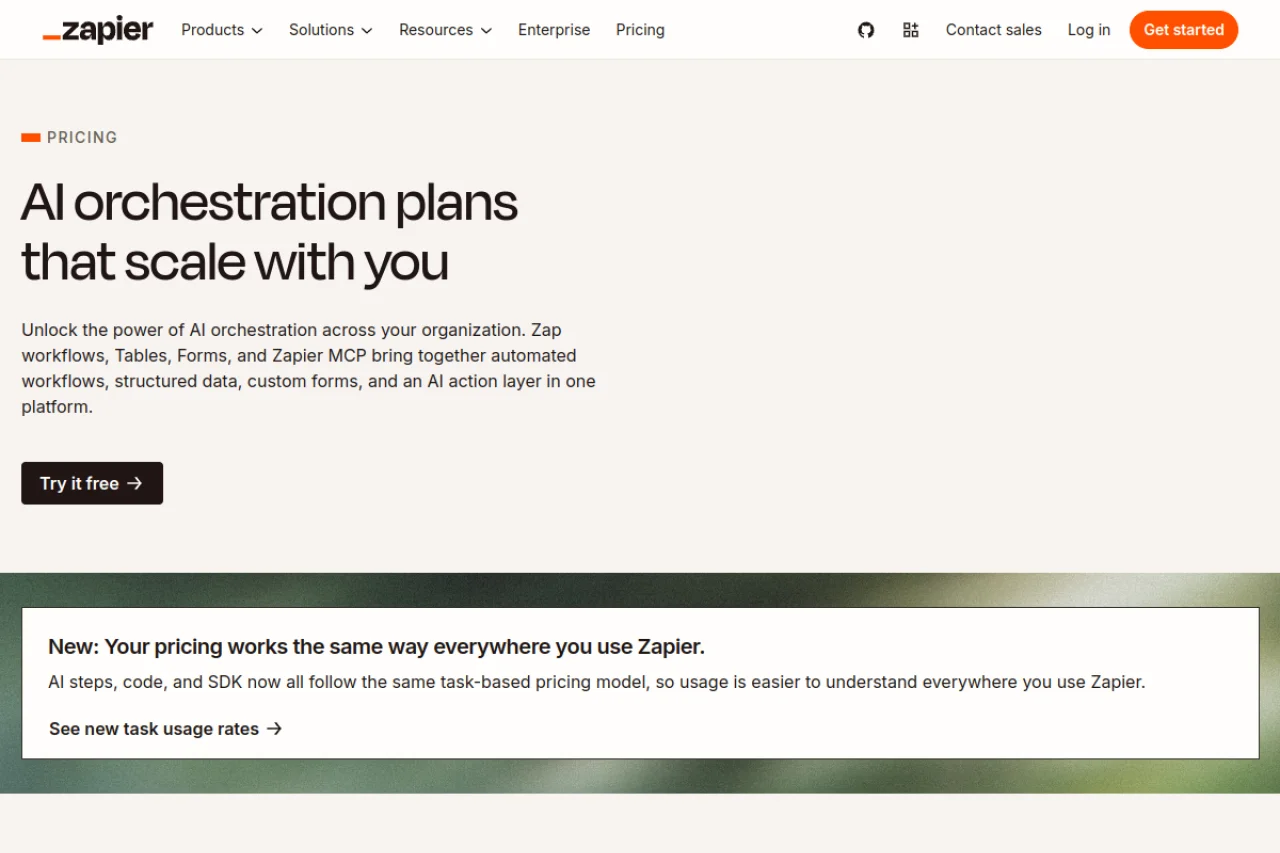
| Zapier | Connects your form or inbox to everything else; runs the follow-up steps | Free $0 (100 tasks/mo); Professional from $19.99/mo billed annually ($29.99 billed monthly), 750 tasks at the entry tier |
| Make | The cheaper alternative to Zapier; same job, visual builder | Free $0 (1,000 credits/mo); Core $9/mo billed annually ($10.59 billed monthly), 10,000 credits |
| ChatGPT Plus | Classifies each lead and drafts the reply | $20/mo, monthly only |
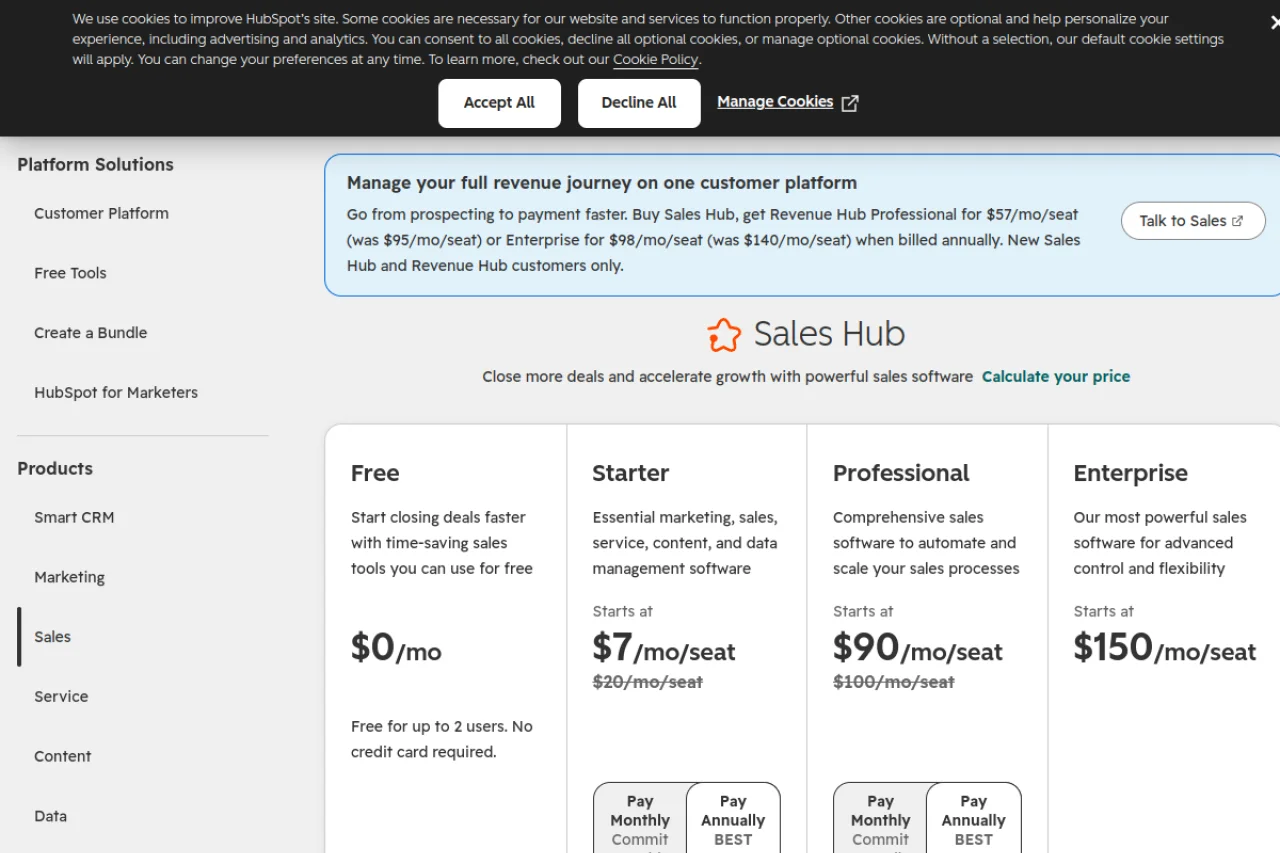
| HubSpot CRM | Free home for every lead, deal and reply | Free $0 for up to 2 users; Sales Hub Starter $20/seat/mo list, new customers $7/seat/mo billed annually ($10 billed monthly) |
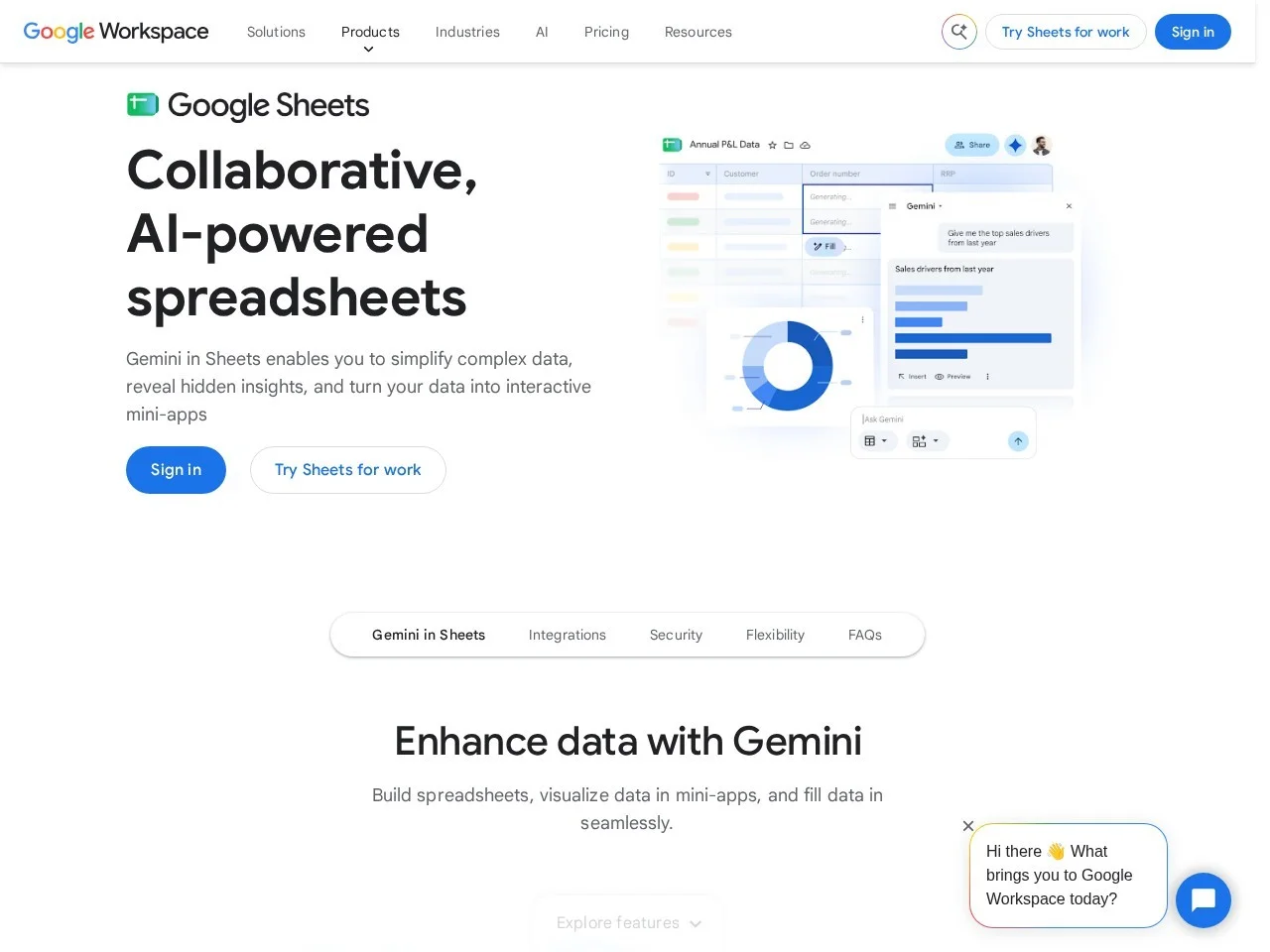
| Google Sheets | The free logbook if you skip the CRM | $0 with a free Google account |
You do not need all five on day one. The free starting point is Zapier Free or Make Free, ChatGPT Free at $0, HubSpot Free at $0 and Google Sheets at $0 — which covers the whole system well enough to learn it, with two honest limits: the free automation tiers run out fast at real lead volumes, and ChatGPT Free has no memory, so you will paste your business brief into every session. The first thing worth paying for is the automation tool itself, because it is the engine. ChatGPT Plus is the second: $20 a month buys memory, so your brief stays saved.
Step 1 — Catch Every Lead in One Place
Automation cannot follow up on a lead it never sees. Before you build anything, every enquiry must land in exactly one place. Right now, for most small businesses, leads arrive in four places at once: the website contact form, the Gmail inbox, the Facebook page inbox, and a phone that nobody answers while on a job. That is why leads go missing. Step 1 is boring, and it is the step that makes everything else work.
Pick one front door. If most of your enquiries come through your website form, that form is the trigger. If most come by email, a labelled Gmail folder is the trigger. Do not try to automate four front doors in week one. Pick the one that brings in the most leads, automate that, and add the second door next month.
For a website form, the setup is simple: your form tool sends each submission to Zapier or Make. In Zapier this is a trigger called “New Form Submission” or “New Email”; in Make it is a watch module on the same app. For Gmail, create a label called “New Leads” and a filter that applies it to messages from your contact form or containing the words “quote”, “price” or “book”. Our guide to connecting Gmail to Google Sheets automatically walks through the same label-and-filter setup.
Two rules here save you pain later. First, keep the form short: name, phone or email, service needed, and one free-text box. Every extra field costs you leads, and AI can ask the follow-up questions later. Second, test the trigger with your own submission before you build anything on top of it. A system built on a trigger that never fires is a decoration.
Step 2 — Let AI Classify and Draft the Reply
This is the step where AI earns its keep, and it is also the step where most guides get reckless. AI is excellent at reading a message and sorting it. It is dangerous when it is allowed to promise things. So give it two jobs — classify and draft — and keep both on a short leash.
First, write a one-page business brief. This is the single most important document in the whole system, and it takes twenty minutes. It lists: what you sell and what you do not sell, your service area by town, your real price ranges (or the honest statement that every job is quoted after a visit), your hours, your response-time promise, and the three questions you always ask before quoting. Save it as a ChatGPT Custom Instruction or a saved prompt, so every draft uses the same facts.
Then the classify-and-draft prompt. When a lead arrives, AI gets the brief plus the lead’s message, and this instruction:
“Read this lead enquiry. First, classify it as HOT (asking for a quote or booking), WARM (asking about price or availability), COLD (general question or research), or SPAM. Then draft a reply under 80 words in a friendly, plain tone. Use only facts from the business brief. Do not invent a price, a date or a promise. If the message asks something the brief does not answer, write ‘I will check that and come back to you’ instead of guessing. End with one clear next step and one question.”
What comes back for a hot lead is usually a thank-you, a confirmation of the service and town, a one-line price range if the brief has one, and a question — “Could you send a photo of the space?” or “What day suits you for a survey?” That is a good draft. It sounds like you on a good day, and it took forty seconds.
One warning that belongs here, not in the fine print. Never let AI answer a question about a refund, a guarantee, a deadline or a price it does not know. Our guide to using ChatGPT for customer service replies covers the same guardrail with the Air Canada case: in 2024, a chatbot told a customer he could claim a bereavement fare after the flight, the airline was ordered to pay $812.02, and the tribunal’s point was simple — the company’s chatbot is the company’s words. Your follow-up drafts are your words too, which is why the human approval gate in Step 6 exists.
Step 3 — Log It Where You Can See It
A lead that is not written down does not exist. Every lead, its classification and the reply you sent need to land somewhere you will actually look at — a CRM or a spreadsheet, not your memory and not your inbox.
The free CRM is the better home for most businesses. HubSpot’s free CRM costs $0 for up to 2 users, with no credit card required, and it gives you contacts, deals and one pipeline — a list of stages (New Lead, Replied, Quoted, Booked, Lost) you drag each deal through. The automation creates a contact and a deal for every new lead, with the AI classification in a note. When you open HubSpot on Monday morning, you see every lead, its stage and its last reply in one screen. That is the point.
Google Sheets is the honest alternative if a CRM feels like too much software. One sheet, six columns: date, name, contact, service, classification, next action and date. The automation adds a row for every lead, and you filter by “next action” to build your morning call list. Our guide to connecting Gmail to Google Sheets automatically shows the exact setup. Sheets is free forever and never tries to upsell you. Its weakness is that nothing reminds you: a row does not tap you on the shoulder, so you must open the sheet every morning or the system quietly stops working.
Whichever you pick, decide one thing now and never change it: the log is the single source of truth. If a lead is not in the log, it did not happen. If a reply was sent, it is in the log. The day you start keeping side lists in your phone notes is the day leads start dying again.
Step 4 — Send the First Reply in Minutes
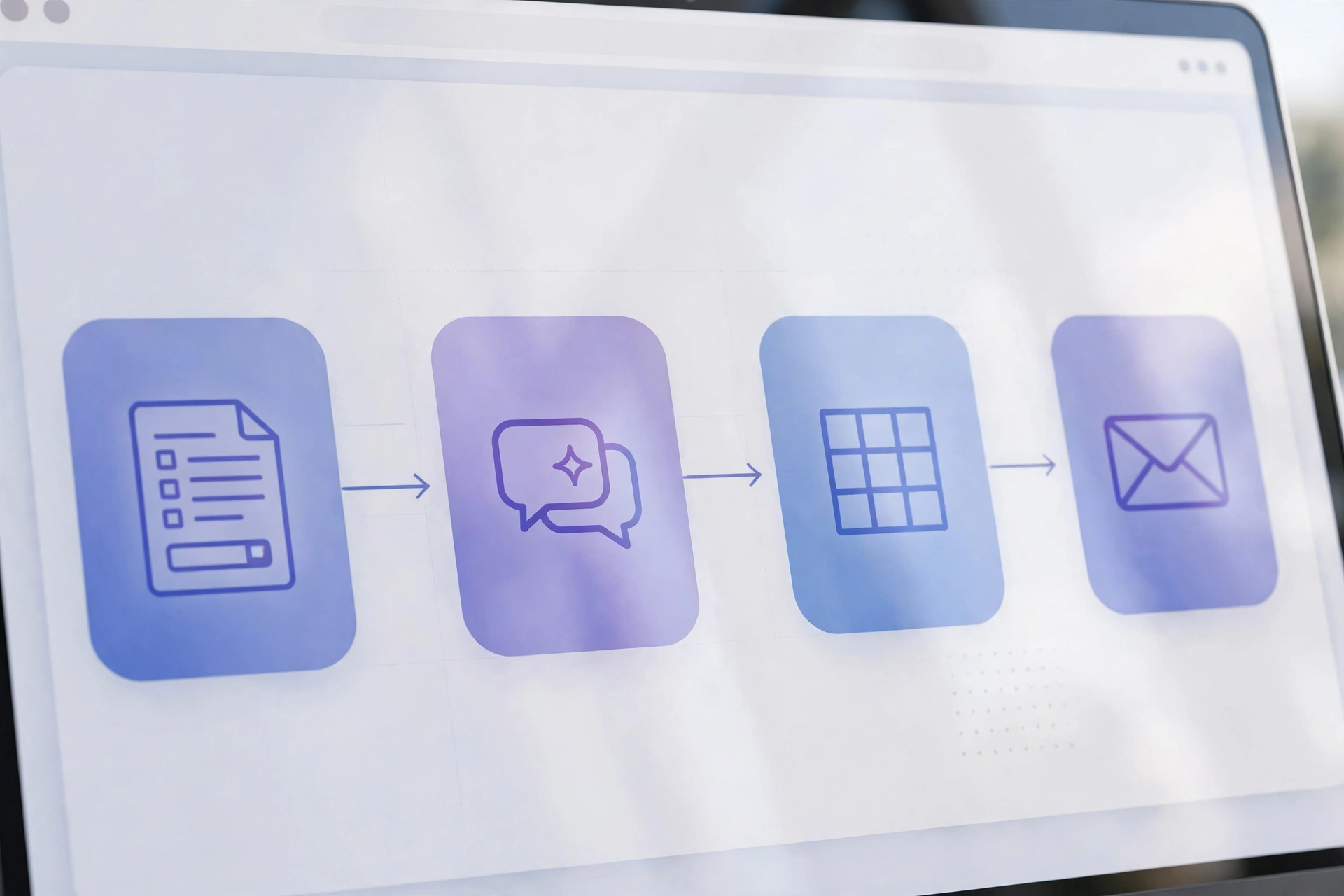
Now connect the pieces. In Zapier, the workflow — Zapier calls it a Zap — looks like this: trigger (new form submission or newly labelled Gmail message) → AI step (classify and draft with your business brief) → create or update the contact in HubSpot or add a row to Google Sheets → send the reply, or hold it for approval. In Make, the same flow is a scenario: a watch module on the form or inbox, an AI module for the draft, a HubSpot or Sheets module for the log, and an email module for the send.
Build it in this order, testing each step before adding the next. First the trigger, with your own test enquiry. Then the AI step, run on five real old enquiries from your inbox — not invented ones — and read every draft. If two of the five drafts invent a fact, your business brief is too thin; add the missing fact to the brief, not to the prompt. Then the logging step, and check the contact actually appears in HubSpot or the row appears in Sheets. Only then connect the sending step.
Here is the decision that matters most in this step: auto-send or approve-first. In week one, choose approve-first. The draft lands in your inbox or in a Slack message, you read it, you tap send or fix one line. It still goes out the same morning instead of next Monday, and it goes out correct. After two weeks, when you have approved twenty drafts and fixed the same two mistakes in the brief, switch the hot leads — quote requests with a real phone number — to auto-send, and keep everything else on approval. That is the safe way to earn speed.
A note on what “in minutes” actually means. Zapier’s free plan polls some triggers every 15 minutes, and Make’s free plan has the same 15-minute minimum interval. Paid plans on both run every minute. That is the practical difference between free and $9 or $19.99 a month: not features, but the fifteen minutes between a lead arriving and your system noticing.
Step 5 — Build the Day 2, 5 and 14 Drip
The first reply is only half the job. Most leads do not answer the first message. They are busy, they are comparing quotes, or they opened your email on a phone in a queue and forgot it. The drip is what separates a follow-up system from a fast auto-responder: three short, polite nudges on a schedule, then silence.
The schedule that works for most small service businesses is day 2, day 5 and day 14. Day 2 is a gentle check-in: “Just floating this to the top of your inbox — happy to answer any questions about the quote.” Day 5 adds one useful thing: a photo of recent work, a one-line price range, or the answer to the question most customers ask at this stage. Day 14 is the honest close: “I will assume the timing is not right and close this for now — reply any time and I will pick it straight back up.” Every message ends the sequence if the customer replies. Three touches, then you stop.
A fourth email is not persistence. It is spam.
Building the drip is where Zapier and Make differ in price. In Zapier, each delayed follow-up is a Delay step followed by a send step inside the same Zap, and every send counts as a task. In Make, the delay is a sleep module and the send is one credit. Both work.
The HubSpot route is different: HubSpot’s Sequences feature is only on Sales Hub Professional at $90 a seat a month billed annually, plus a required one-time onboarding fee of $1,500. That is why this guide builds the drip in Zapier or Make instead: the free HubSpot CRM holds the leads, and the automation tool sends the nudges. Paying $90 a seat a month for sequences you can build in a $9 Make scenario is the kind of mistake this blog exists to prevent.
Step 6 — The Human Approval Gate
Every system in this guide has one deliberate bottleneck: a human reads the draft before it goes out. That is not a flaw. It is the feature that keeps AI from costing you money.
The approval gate is simple. In week one, every draft goes to you — an email, a Slack message, or a row in a sheet marked “needs approval” — and you send it yourself. After two weeks of clean drafts, split the flow: hot leads with a phone number auto-send, everything else waits for you. After a month, add one more rule: any draft containing a price, a date or a promise waits for you, always.

What AI Gets Wrong About Follow-Up
AI is good at this job in the same way a keen new employee is good at it: fast, tireless, and wrong in ways you have to watch for.
It invents specifics. Give AI a lead that says “How much for a kitchen?” and no price in the brief, and it will produce a confident number anyway. It came from nowhere. The brief rule in Step 2 exists for exactly this: if the brief does not answer it, the draft says “I will check that and come back to you.”
It cannot read temperature. A lead that writes “just looking for now” and a lead that writes “need someone this week” get the same polite draft unless you teach the classifier the difference. That is what the HOT, WARM and COLD labels are for: hot leads get the fast reply and the phone call, warm leads get the drip, cold leads get one friendly answer and no chase.
It has no memory of your week. AI does not know you are fully booked, your van is in the garage, or you stopped serving a town in March. Every one of those facts lives in the business brief, and the brief goes stale. Put a monthly reminder in your calendar — first Monday of the month, ten minutes — to read the brief and fix whatever changed.
Cost Maths
Here is what the system costs at a realistic workload: 100 leads a month, each getting a first reply and up to three drip messages. The maths is the part most guides skip, and it is where the two automation tools genuinely differ.
The budget stack — $29 a month, $348 a year. Make Core at $9 a month billed annually, ChatGPT Plus at $20 a month, HubSpot free CRM at $0, Google Sheets at $0. Make counts credits: each module in a scenario costs one credit per run, and a six-module scenario uses about six credits per lead. One hundred leads is roughly 600 credits for the first replies, plus about 125 credits for the drip messages that actually send, so around 725 credits a month against Core’s 10,000. You are using 7% of the plan.
The Zapier stack — $39.99 a month, $479.88 a year. Zapier Professional from $19.99 a month billed annually, plus ChatGPT Plus at $20 a month, plus the free CRM and Sheets. Zapier counts tasks: each successful action is one task, and the trigger itself is free. A five-action flow per lead is five tasks, so 100 leads is 500 tasks, plus roughly 125 tasks for the drip sends — around 625 tasks a month.
That fits inside Professional’s entry tier of 750 tasks, but only just, and only if each AI step counts as one task. If you run the full drip every month, budget for the 1,500-task tier at $39 a month billed annually instead, which puts the Zapier stack at $59 a month.
What each tool must earn back. At $29 a month, the budget stack costs $348 a year. If your average job is worth $300, the system pays for its whole year the first time it recovers a single lead you would otherwise have lost to silence. At $59 a month on the bigger Zapier tier, the break-even is still a single recovered job every five months.
The Hidden Costs and Gotchas
Every tool in this guide has a catch that the pricing page does not put in bold. Here they are, in the order they will bite you.
Zapier’s task counting is the first bite. The entry Professional tier gives you 750 tasks a month, and each successful action in a Zap is a task — but AI steps can cost more than one task depending on the model. A flow that looks like five tasks a lead can quietly become seven or eight once the AI steps are priced in. Worse, when you hit your limit, Zapier switches you to pay-per-task billing unless you turned it off, and pay-per-task is charged at a higher per-task rate. If you turn it off instead, your Zaps simply pause until next month. Either way, leads arrive, nothing replies, and nobody tells you. Set the usage alert on day one.
Make’s credits expire. Credits do not roll over. On a monthly plan they expire at the end of the month; on an annual plan, Pro and Teams credits expire at the end of the year. That is fine at 725 credits a month against a 10,000 allowance — but it means buying a bigger credit tier “just in case” is money thrown away. Also note Make’s free plan only allows two active scenarios and a 15-minute minimum interval between runs, so the free tier is a trial, not a home.
HubSpot’s free CRM has a ceiling you will feel at two users. Free covers up to 2 users and one deal pipeline, and every email, chat and meeting page it sends carries HubSpot branding. The sequences paywall is the big one: automated follow-up sequences need Professional at $90 a seat a month, plus a $1,500 one-time onboarding fee. That is why this guide keeps the drip in Zapier or Make. Also watch the new-customer price: Starter lists at $20 a seat a month, and the $7 annual price is a new-customer discount, so budget against $20.
ChatGPT’s free tier forgets everything. The free plan costs $0, but it has no memory, so your business brief must be pasted into every session. Plus at $20 a month buys memory and priority access when the service is busy, and it is monthly only — there is no annual discount to chase. ChatGPT Go at $8 a month exists on the pricing page, but availability varies by region, so do not build your budget on it unless you can see it in your own account.
Email deliverability is the hidden cost nobody budgets. Automated follow-ups sent from a free Gmail account land in spam more often than ones sent from your own domain, and a drip that lands in spam is the same as no drip. If you send from your business domain, set up SPF, DKIM and DMARC records — your domain provider has a one-page guide for each — before you turn the system on. It takes half an hour and costs nothing.
Strategic Pivot: Price the Stack Before You Buy It
You now have two stacks, three prices that move with volume, and a break-even that depends on your own lead count. Do not guess at those numbers. Our free AI Cost Calculator takes your lead volume, your reply speed and the tools you picked, and shows you the monthly and yearly cost of the stack before you spend a dollar.
Run it twice — once with the Make stack and once with the Zapier stack — and keep the cheaper answer unless you have a real reason to pay for Zapier’s easier builder. The calculator is free, it takes two minutes, and it is the same check this guide just did by hand.
Pros and Cons
Pros: Every lead gets a reply in minutes, including the ones that arrive at 9 p.m. or on a Sunday. The day 2, 5 and 14 drip recovers leads that would otherwise go silent, without you remembering anything. The budget stack costs $29 a month, and the free version costs $0 while you learn it. The human approval gate keeps AI from promising prices, dates or refunds you never offered. Every lead lives in one log, so Monday morning starts with a list instead of a hunt through the inbox.
Cons: The free automation tiers run out fast — 100 tasks on Zapier Free, 1,000 credits on Make Free — and a paused Zap fails silently. AI invents prices and promises if the business brief is thin or stale, and the brief needs a monthly ten-minute review. HubSpot’s built-in sequences need Professional at $90 a seat a month, so the drip has to live in Zapier or Make. Email deliverability takes half an hour of DNS setup, and without it your follow-ups land in spam.
Our Verdict: How to Automate Lead Follow-Up with AI
Build the budget stack this week: Make Core at $9 a month billed annually, ChatGPT Plus at $20 a month, HubSpot’s free CRM at $0, and Google Sheets as the backup log. Start with approve-first replies, the day 2, 5 and 14 drip, and a weekly fifteen-minute check of your four numbers: leads in, first-reply time, reply rate, stuck leads.
Choose Zapier instead only if you value the easier builder over the price: Professional from $19.99 a month billed annually is a fair trade for the biggest app catalogue and the gentlest learning curve, but budget for the 1,500-task tier at $39 a month billed annually once the drip is running.
Do it in this order, and do not skip a step: write the one-page business brief, pick one front door, build the trigger, test it with your own enquiry, run five real old enquiries through the AI draft, connect the log, and only then turn on sending. Then leave the approval gate on for two weeks. The system that answers in minutes and never invents a price is worth more than the system that answers in ninety seconds and promises a Saturday you never offered.
Frequently Asked Questions
Can AI follow up with leads automatically?
Yes — an automation tool such as Zapier or Make watches your form or inbox, AI classifies the lead and drafts a reply, and the system sends it and schedules follow-ups on day 2, 5 and 14. The safe version keeps a human approval step before anything goes out, at least for the first two weeks.
How much does it cost to automate lead follow-up?
The budget stack costs $29 a month: Make Core at $9 a month billed annually, ChatGPT Plus at $20 a month, HubSpot’s free CRM at $0 and Google Sheets at $0. The Zapier version costs $39.99 a month. A free version exists at $0, but the free tiers — 100 tasks a month on Zapier, 1,000 credits on Make — run out fast at real lead volumes.
Will customers know the reply is AI-written?
They should not be able to tell, and that is the test. A good draft uses only facts from your business brief, stays under 80 words, and sounds like you on a good day. If a draft reads like a call centre script, the brief is the problem: rewrite its tone line in your own words and the next fifty drafts improve.
Do I need a CRM to automate follow-up?
No, but you need one log. HubSpot’s free CRM at $0 for up to 2 users is the better home because it gives you pipelines and a Monday-morning view of every lead. Google Sheets at $0 works just as well as a logbook, with six columns — date, name, contact, service, classification, next action — as long as you open it every morning, because a sheet never reminds you on its own.
What happens if AI sends the wrong reply?
That is what the human approval gate prevents. Every draft waits for you before it goes out, and any draft containing a price, a date or a promise always waits for you. If a wrong message does go out, reply yourself within the hour, correct it plainly, and fix the business brief so the mistake cannot repeat.
Price Note
Price note — updated 20 November 2026: Prices in this post were checked on 20 November 2026. When you are reading this, the price may be lower or higher — always check the official pricing page before you buy.
Zapier Professional from $19.99 a month billed annually ($29.99 billed monthly), 750 tasks at the entry tier, 14-day free trial, no credit card required. Make Core $9 a month billed annually ($10.59 billed monthly) for 10,000 credits; Pro $16 ($18.82), Teams $29 ($34.12). ChatGPT Plus $20 a month, monthly only. HubSpot free CRM $0 for up to 2 users; Sales Hub Starter lists at $20 a seat a month, new customers $7 billed annually ($10 billed monthly). Sales Hub Professional $90 a seat a month billed annually plus a $1,500 one-time onboarding fee.
Related: How to Automate Appointment Reminders with AI (2026): A Small Business Guide
Pros
- Every lead gets a reply in minutes, including the ones that arrive at 9 p.m. or on a Sunday; the day 2, 5 and 14 drip recovers leads that would otherwise go silent; the budget stack costs $29 a month and the free version costs $0 while you learn it; the human approval gate keeps AI from promising prices, dates or refunds you never offered.
Cons
- The free automation tiers run out fast — 100 tasks on Zapier Free, 1,000 credits on Make Free — and a paused Zap fails silently; AI invents prices and promises if the business brief is thin or stale; HubSpot's built-in sequences need Professional at $90 a seat a month, so the drip has to live in Zapier or Make.
Build the budget stack this week: Make Core at $9 a month billed annually, ChatGPT Plus at $20 a month, HubSpot's free CRM at $0, and Google Sheets as the backup log. Start with approve-first replies, the day 2, 5 and 14 drip, and a weekly fifteen-minute check of your four numbers: leads in, first-reply time, reply rate, stuck leads. That combination is the cheapest honest version of this system, and it solves the actual problem — leads dying in the gap between arrival and reply — without buying a sales platform you do not need. Choose Zapier instead only if you value the easier builder over the price: Professional from $19.99 a month billed annually is a fair trade for the biggest app catalogue and the gentlest learning curve, but budget for the 1,500-task tier at $39 a month billed annually once the drip is running. Choose HubSpot Sequences only when you already pay for Professional for other reasons — never buy a $90 seat for a drip a $9 scenario sends better. Do it in this order, and do not skip a step: write the one-page business brief, pick one front door, build the trigger, test it with your own enquiry, run five real old enquiries through the AI draft, connect the log, and only then turn on sending. Then leave the approval gate on for two weeks. The system that answers in minutes and never invents a price is worth more than the system that answers in ninety seconds and promises a Saturday you never offered.
1 thought on “How to Automate Lead Follow-Up with AI (2026): A Small Business Guide”